
Lucky Cola App: Take the Games Wherever You Go
Browsers are fine, but there’s a reason so many players end up switching to the Lucky Cola App once they’ve been around for a while. It’s just faster. No opening a browser, typing a URL, waiting for a homepage to load before you even get to the login screen. Tap the icon, you’re in. That’s basically the whole pitch, and it turns out that’s enough to change how often people actually play.
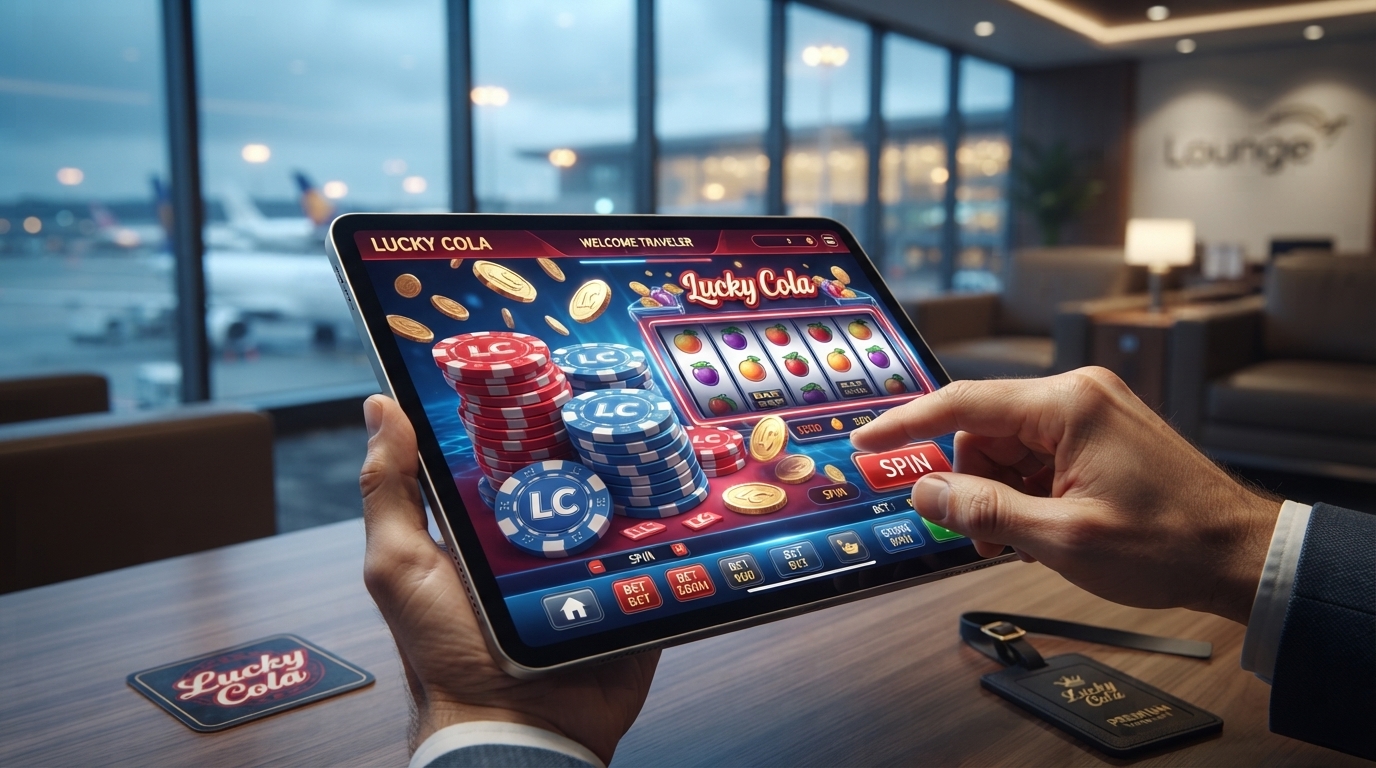
Why Bother Downloading an App at All
It’s a fair question. Plenty of casino sites work fine in a mobile browser, so why install something extra? A few reasons keep coming up when you ask players who’ve made the switch.
Speed is the obvious one. apps load faster than browser tabs because they’re not fighting for memory with your other fifteen open tabs. Games open quicker, spins register faster, and there’s none of that annoying lag where a slot animation stutters halfway through a bonus round.
Then there’s stability. Browsers crash, tabs get accidentally closed, phones lock mid-session and sometimes lose your place. The Lucky Cola App runs as its own dedicated space on your phone, so it’s a lot less likely to get knocked out by a stray notification or an accidental swipe.
And honestly, it’s just more convenient. Once it’s installed, it sits on your home screen like any other app. No bookmarking, no remembering the right URL, no worrying about ending up on some fake lookalike site because you typed something wrong into Google.
Getting It Set Up
Downloading and installing doesn’t take long:
- Head to the official Lucky Cola website from your phone’s browser.
- Look for the app download link — usually somewhere near the top or in the menu.
- Depending on your device, you’ll either get a direct APK download (Android) or be pointed toward the right install process for iOS.
- If it’s an APK file, you may need to allow installs from outside the usual app store — your phone will prompt you if that setting needs switching on.
- Once installed, open the app and log in with your existing Lucky Cola account, or register right there if you’re new.
That’s really it. A few taps and a short wait for the file to download, and the app’s ready to go.
What You Actually Get Inside the App
The app isn’t a stripped-down version of the site — it’s the same full library, just packaged to run better on a phone. Slots, live casino tables, sports betting, sabong, fishing, bingo — everything that’s available on desktop shows up here too, just arranged for smaller screens and touch controls.
Touch controls, actually, are where the app tends to feel noticeably better than the mobile browser version. Swiping through game categories, tapping to spin, pulling up your balance — it all feels more natural when it’s built for a touchscreen instead of a resized desktop layout crammed onto a phone.
Notifications are another perk worth mentioning. The app can alert you when a Lucky cola promotion drops, when a cashback bonus lands in your account, or when there’s a limited-time event worth jumping into. That’s something a browser tab just can’t do once you’ve closed it.
Built With the Same Security Standards
Switching to the app doesn’t mean giving up any of the login protections that come with the regular site. The same account safeguards apply — secure login, verification steps, encrypted data — so there’s no tradeoff between convenience and safety here. If anything, having a dedicated app makes it easier to avoid the fake or copycat sites that sometimes show up when people search for casino platforms online. Once it’s installed, you’re always going straight to the real thing.
Performance on Different Devices
The app is built to run smoothly across a wide range of phones, not just the newest models. Load times stay quick even on older or lower-spec devices, and the file size is kept reasonable so it doesn’t eat up storage space you might need for other things. Updates roll out periodically too, usually bringing new games, smoother performance, or small bug fixes — nothing that requires much effort on your end beyond hitting “update” when prompted.
A Few Tips Once You’re Using It
A couple of things make the app experience even smoother:
- Keep it updated. New versions usually fix small performance issues and sometimes unlock new features early.
- Enable notifications if you don’t want to miss time-sensitive promotions.
- Make sure you’re downloading from the official Lucky Cola site, not a random third-party link — that’s the safest way to avoid a fake version of the app.
- If storage is tight, clearing the app’s cache occasionally can help keep things running fast.
Worth the Download?
If you’re someone who plays regularly, the Lucky Cola App ends up saving more time than it costs to set up. Faster load times, a smoother touch experience, and notifications that actually keep you in the loop on promotions — it’s a small upgrade that adds up over repeated use. For occasional players, the browser version still works fine, but once gaming becomes more of a habit, the app is the version most people end up sticking with.
As always, play responsibly — set limits before you start, and treat it as entertainment rather than anything more than that.